What is HomeKit?
Apple’s HomeKit is a system that allows you to centrally manage and operate smart home appliances, such as lighting, locks, and blinds. X-remo enables you to control these devices through its customizable interface. This allows you to build a more intuitive and faster operating environment than the standard Home app.
What Can It Do?
- Control Switches
- You can assign on/off actions for HomeKit accessories to any button on the X-remo. You can operate lights, smart plugs, switches, and more.
- Switch Multiple Scenes
- You can run “Scenes” defined in HomeKit using an X-remo button. Operations that switch multiple devices at once (such as “Movie Time” or “Good Night”) can be executed with a single press.
- View Status Changes
- X-remo can receive and reflect the status changes of connected HomeKit accessories on its buttons. This makes it easier to track the current state, even if the device was operated by another app or physical switch.
Requirements
- iPhone / iPad with X-remo installed
- HomeKit compatible devices (bridges, smart plugs, lights, etc.)
- Installation of a Home Hub (e.g., Apple TV, HomePod) (Necessary for operation when you are away from home)
Setup Procedure
Registering Button Actions
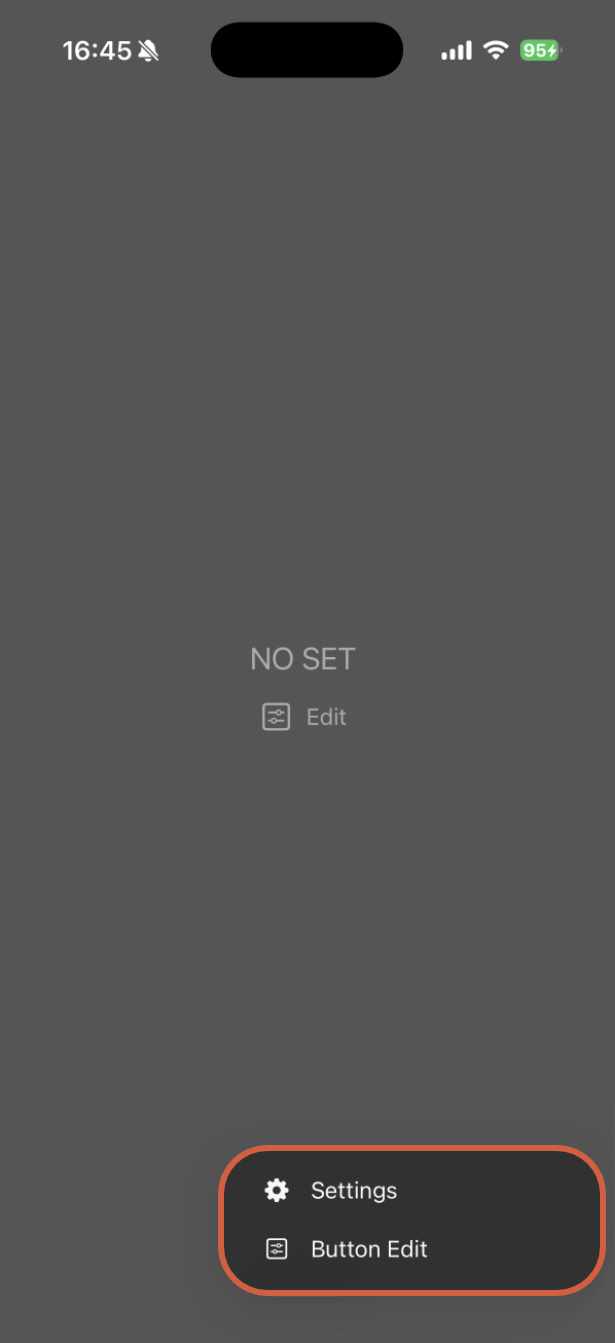
Long press  icon, then tap “Edit Button.”
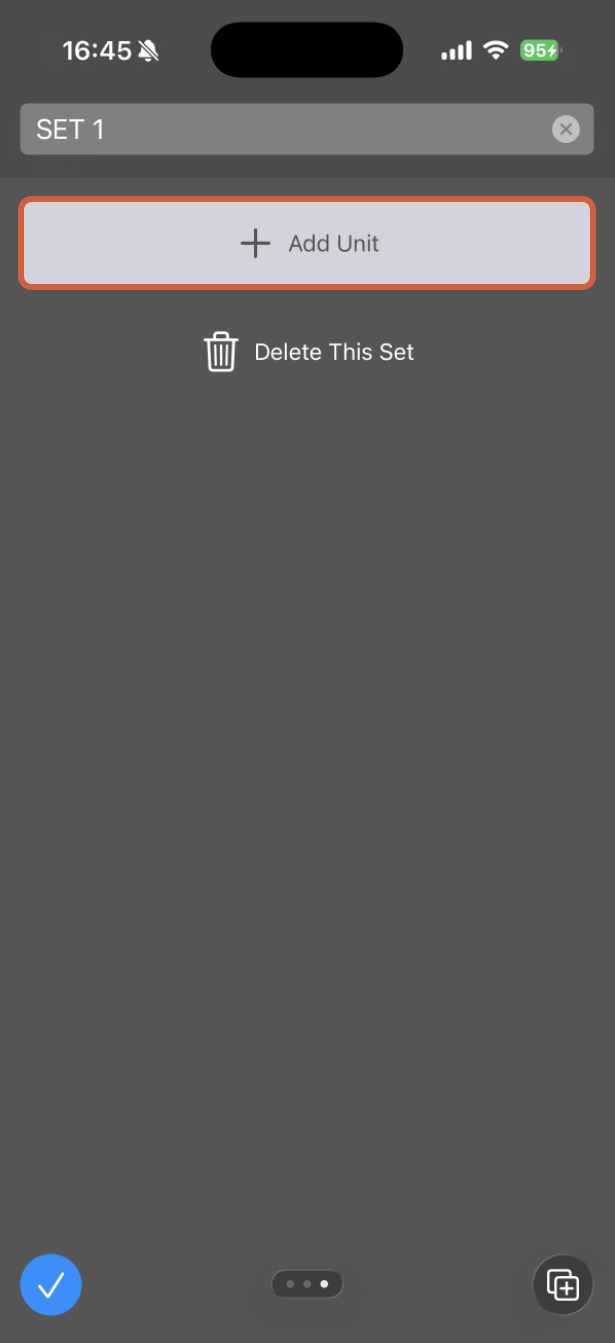
Tap “Add Unit”
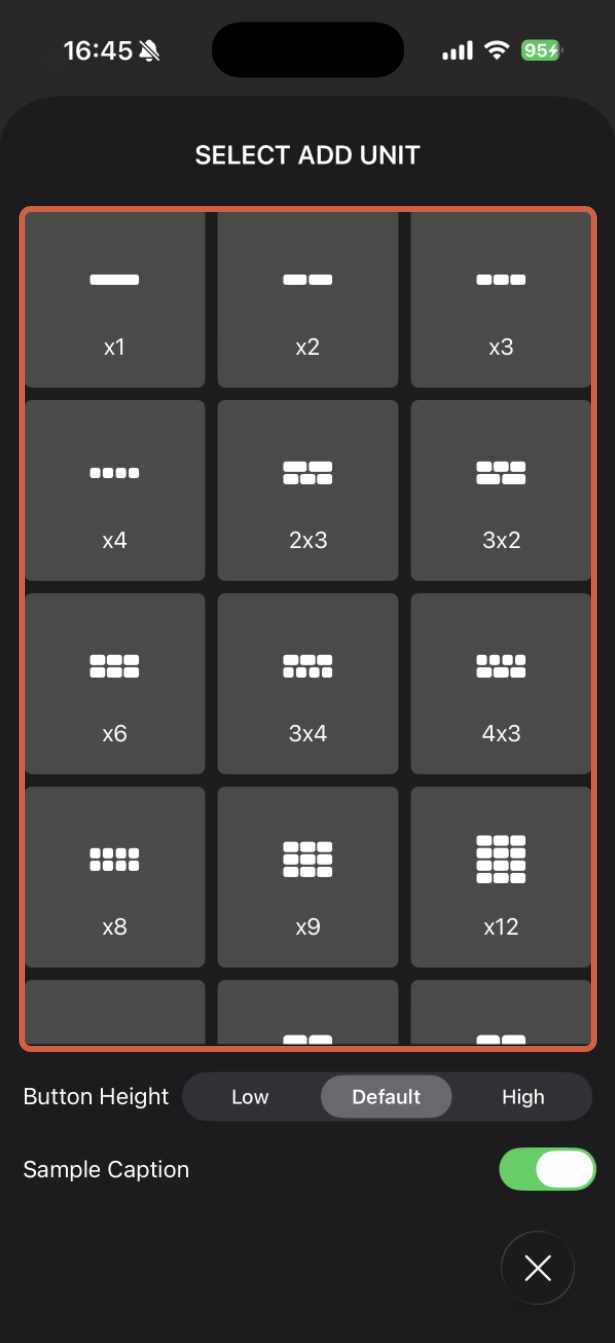
Select the button unit you wish to add.
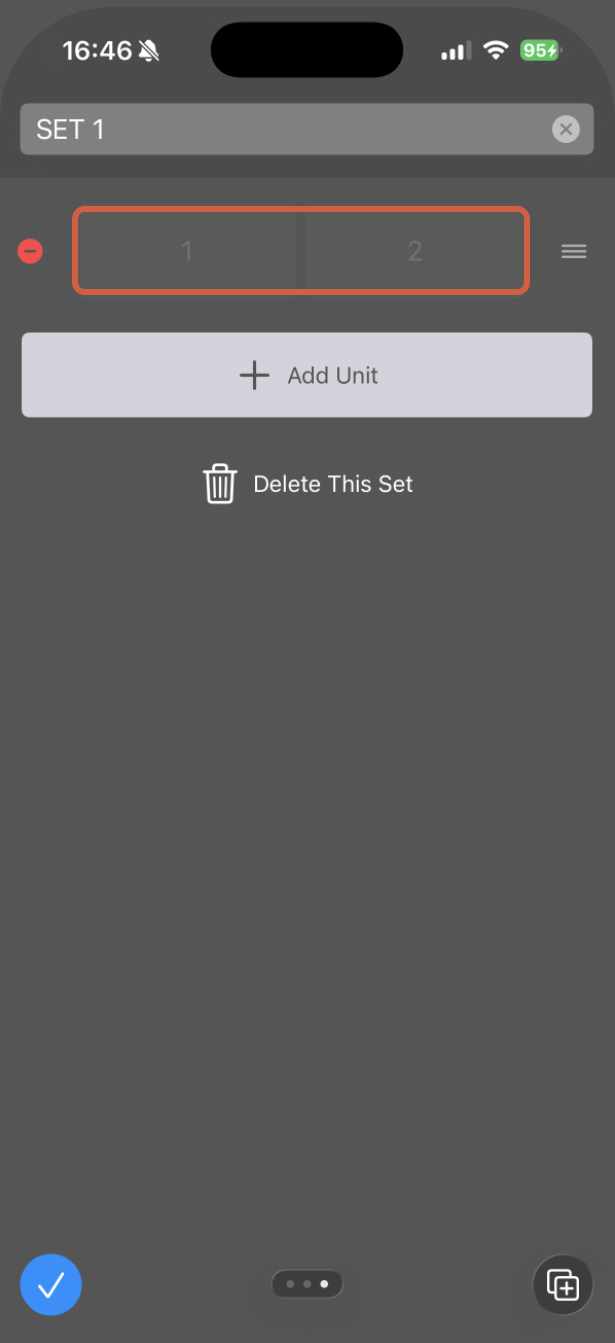
Tap the specific button on the placed/selected unit that you want to configure.
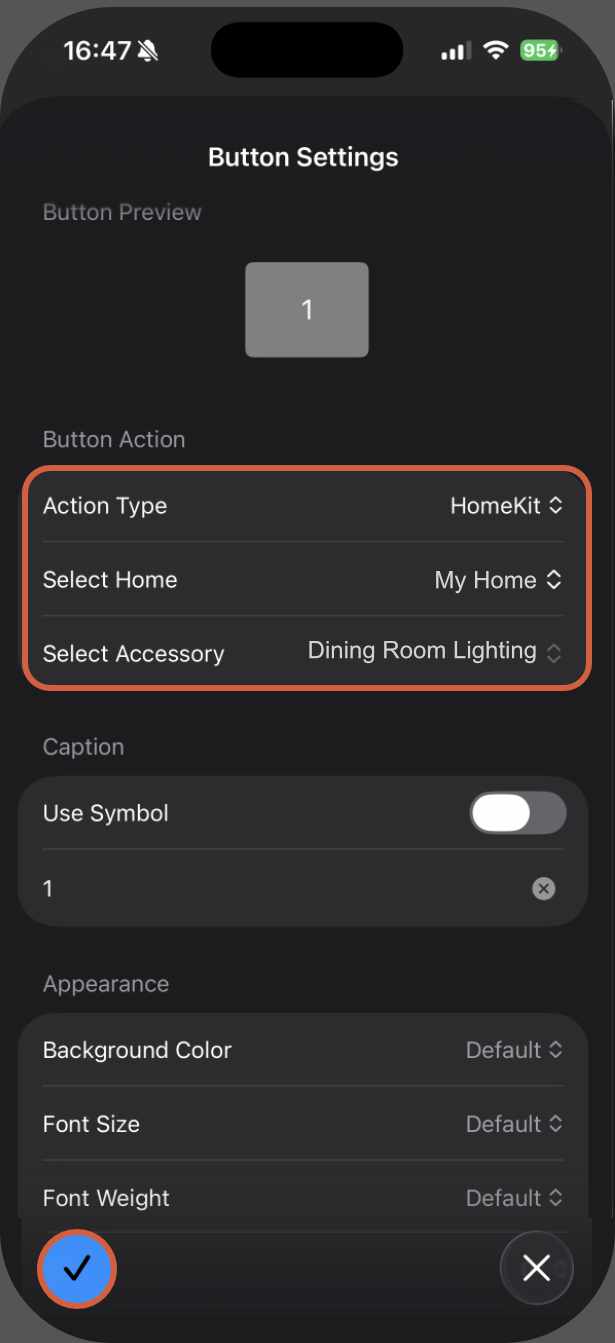
Under Action Type, select “HomeKit,” and then choose both “Home” and “Accessory,” followed by confirmation.
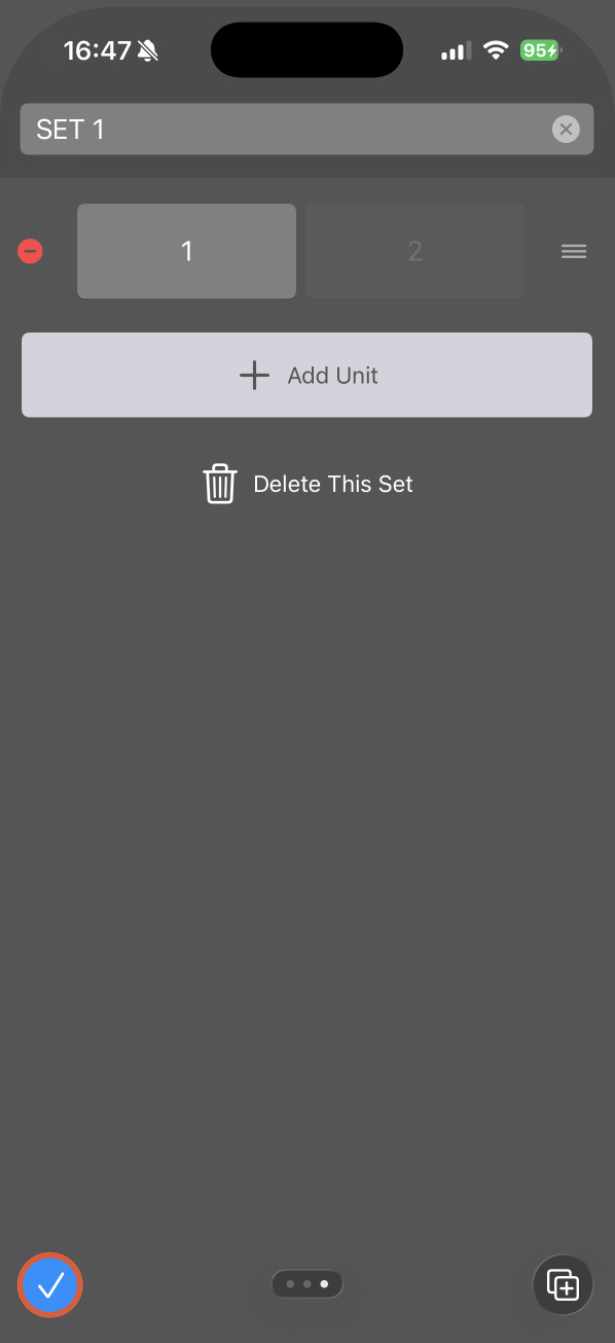
Tap the confirmation icon to complete the setup.