

macOS

Less time searching. More time creating.
A file browser built for efficiency.
Work across up to three panes to get more done.
macOS 12.0 or later
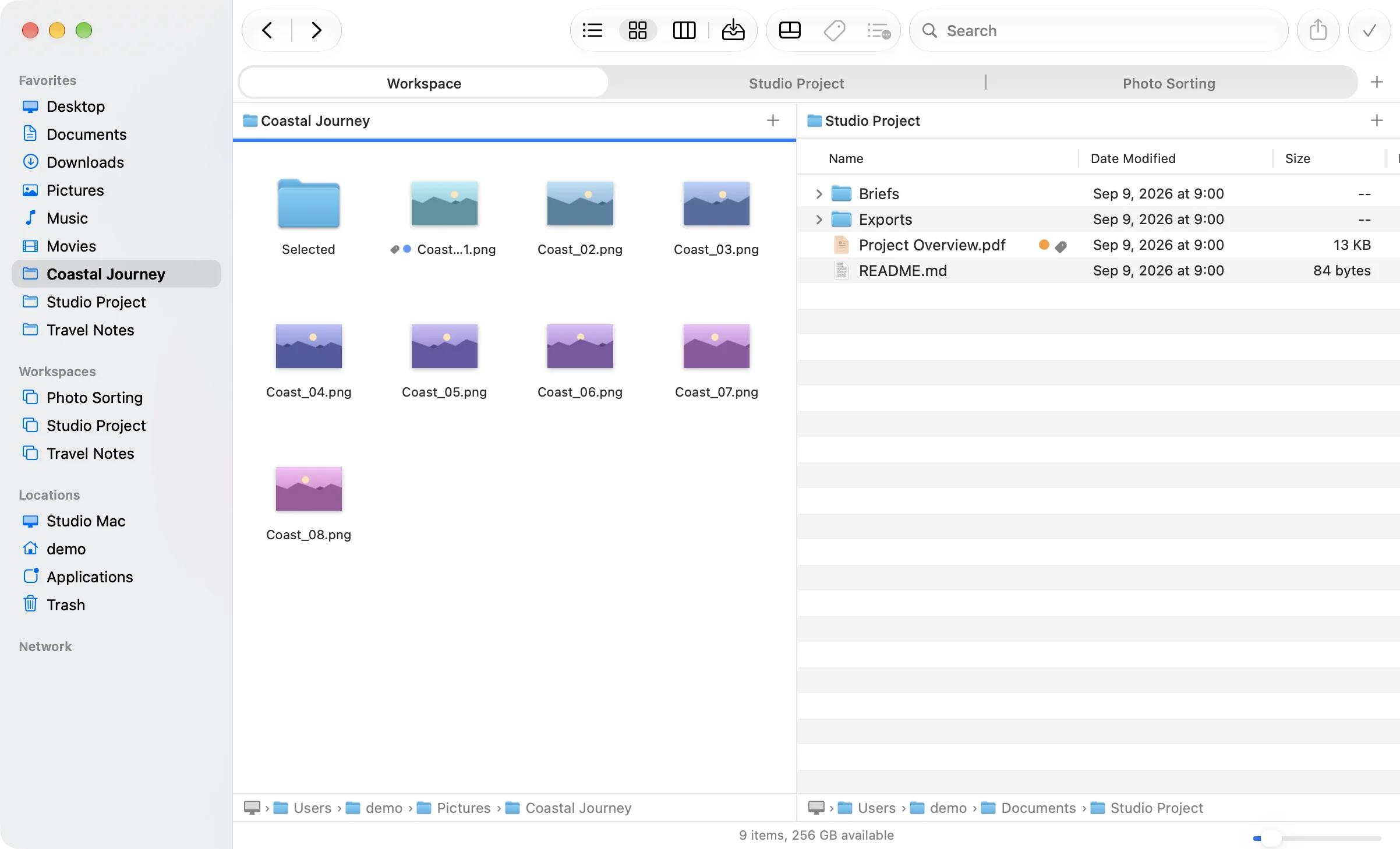
Your go-to folders, one click away.
Save the folders and pane layout you use for each task as a workspace, so you can spend less time finding folders and arranging your screen and get straight to work.
All FineFinder features are free to use for the time being. If you find it useful, please consider supporting its development on Ko-fi (new tab). Support is entirely optional.
FEATURES
Easy-to-use essential features
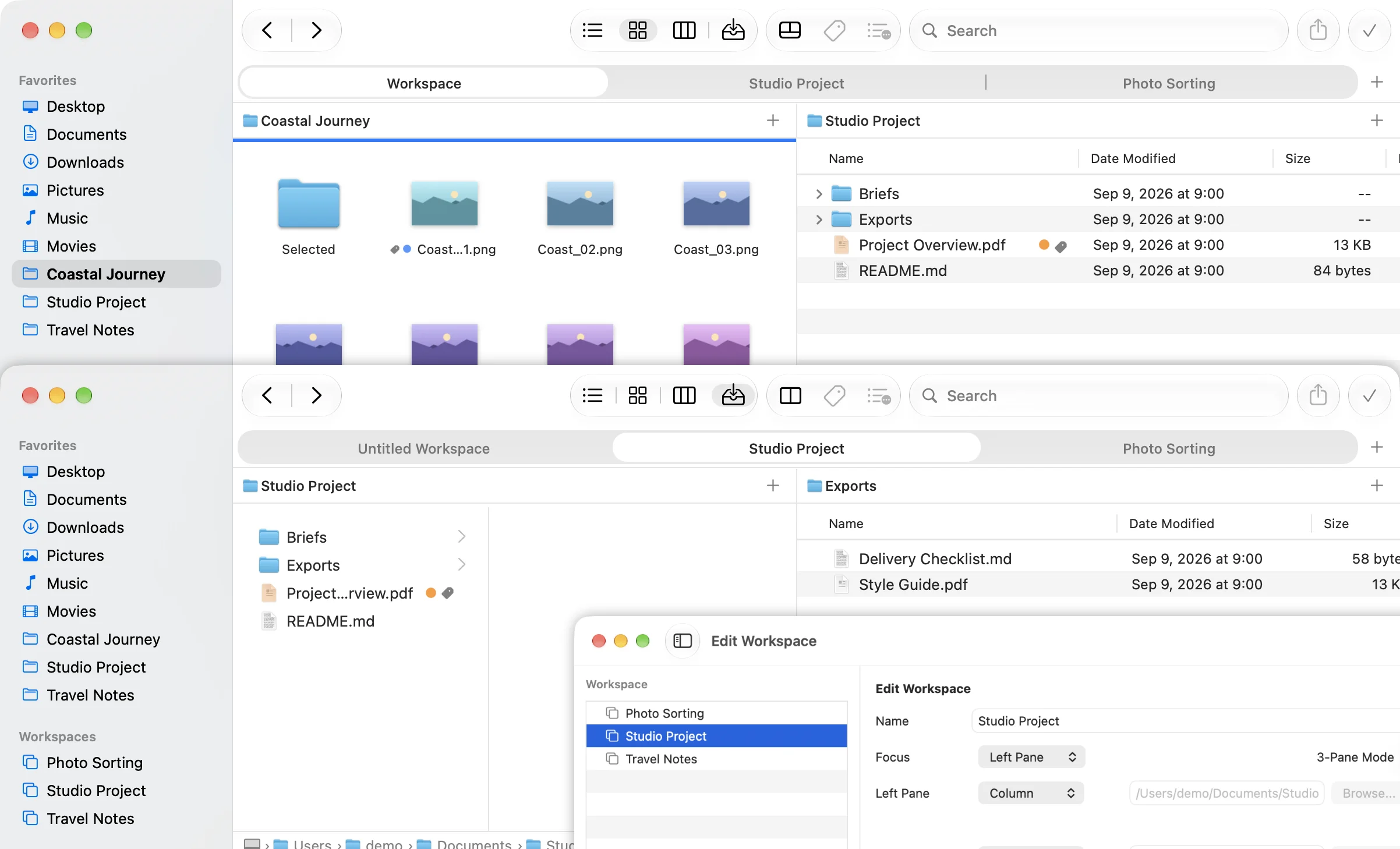
Bring back your workspace in a click.
Save your folders and pane settings as workspaces, then switch between them to suit the task, whether you’re organizing photos, creating content, or reviewing documents.
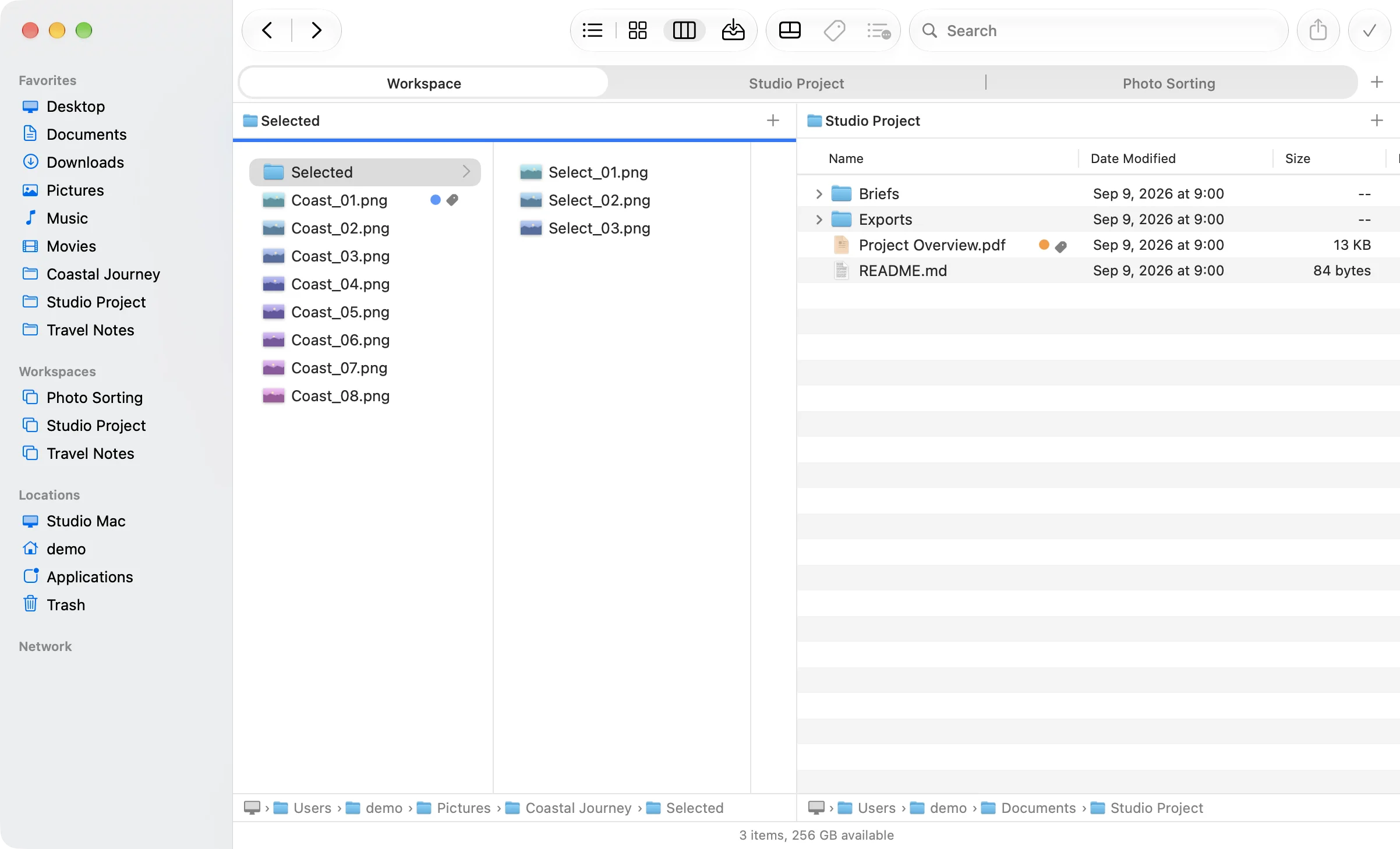
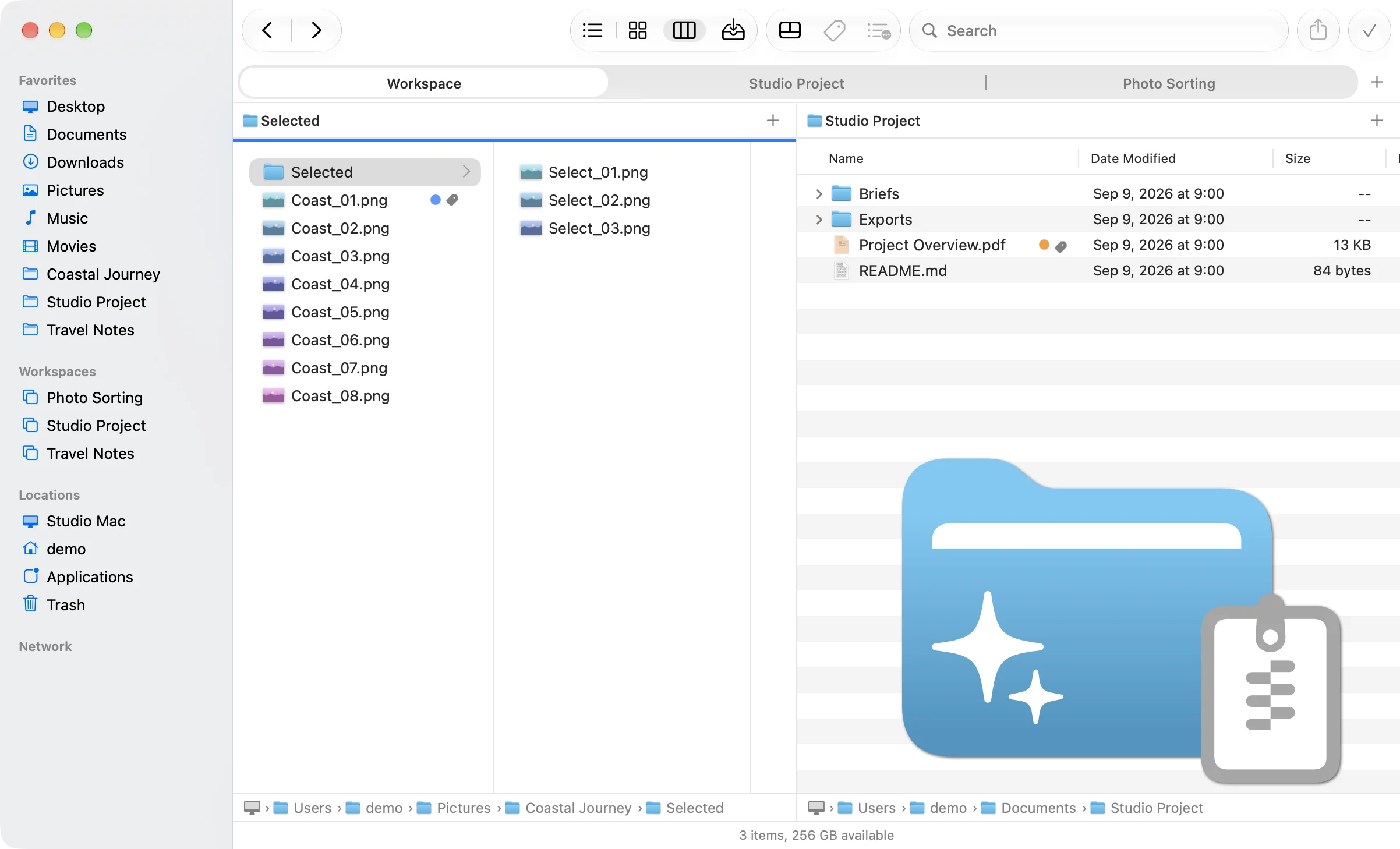
Compare folders side by side.
With two or three panes available from the start, you can easily compare, move, and copy files across different locations—without cluttering your screen with windows.
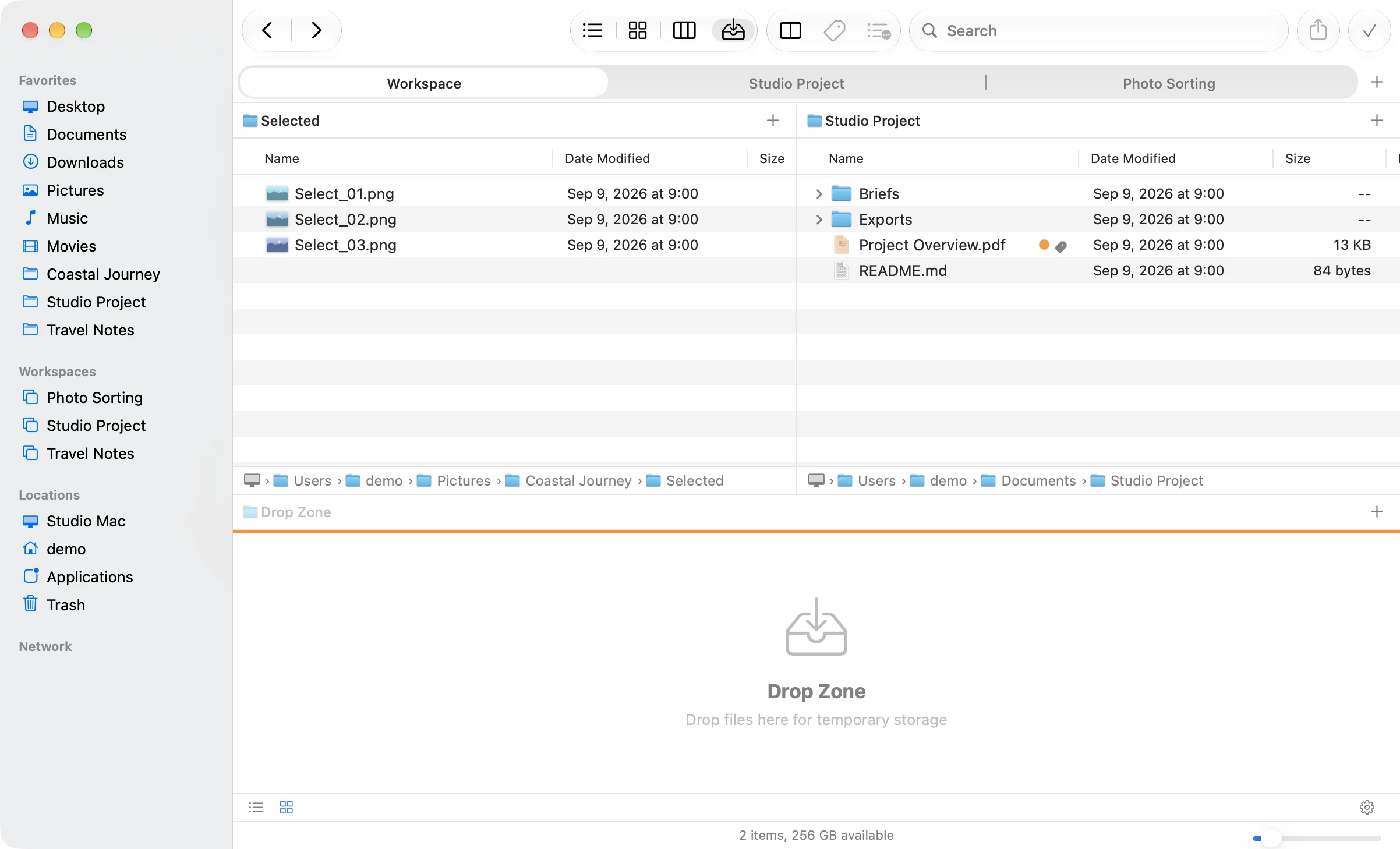
Move files from multiple locations in one go.
Use the Drop Zone to temporarily gather files from different folders, then move or copy them all together with ease.
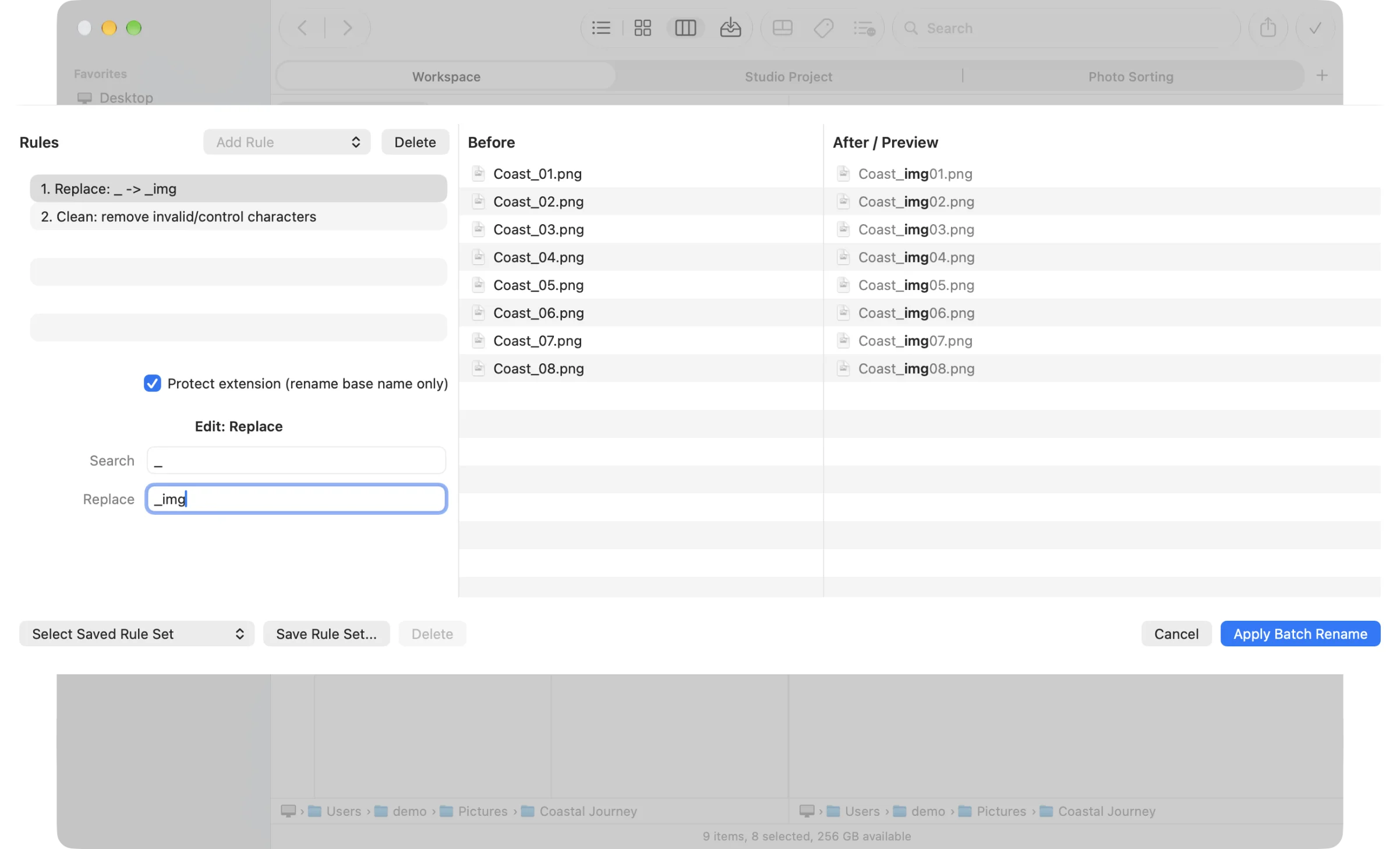
Rename files in one go.
Smart Rename lets you combine multiple rules, such as replacing text and adding sequential numbers, to rename files in bulk. Even large batches are easy to handle.
Keep archives clean and filenames readable.
Clean Compression leaves out macOS metadata files such as .DS_Store. Clean Extraction helps reduce garbled filenames when opening ZIP files created on Windows.
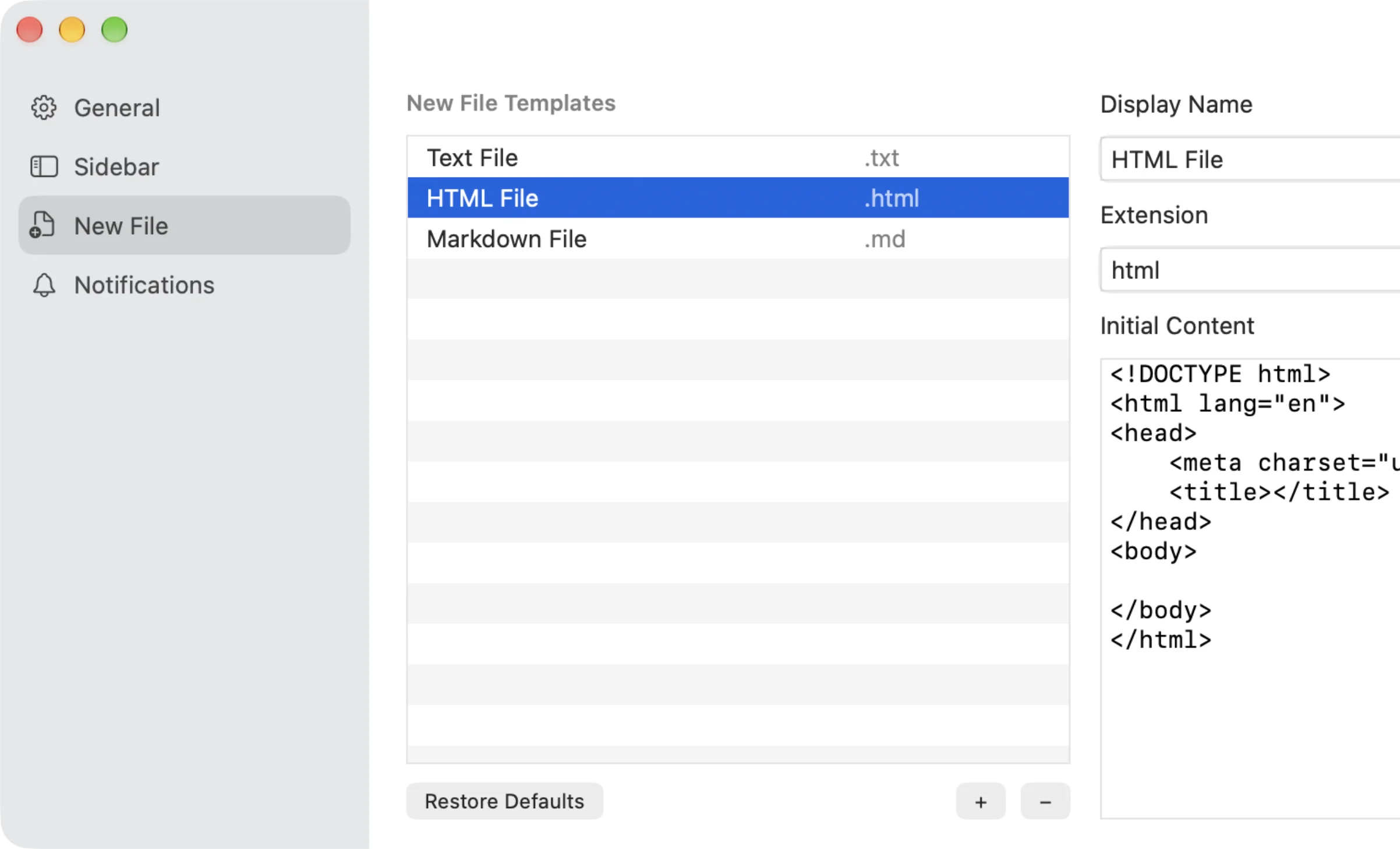
Create new files with a head start.
Save initial file content as templates for different file extensions. Create text files with standard wording or HTML boilerplate without starting from scratch each time.
Support FineFinder’s development
If you enjoy my apps, you can support their development on Ko-fi.
All FineFinder features are free to use for the time being. Support is optional and does not change the features or support you receive.