


STORY
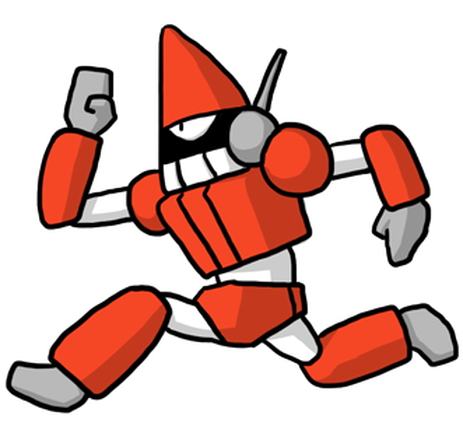
A.D. 20XX. Mysterious aliens attack the earth. People were exposed to the threat of sent combatants ‘Villains’.One day. Mr. Akechi and dying Yuzu-Pon have asked help from you. They established the Earth Defense Force to protect people from the threats of aliens and Villains with your cooperation.

 " icon will appear in your patrol report. Tap this icon to see hints for capturing them. Use this information to improve your future patrols.
 : Capture Power (Increases the strength to catch villains)
 : Search Capability (Increases the encounter rate with villains)
 : Capture Slots (Number of villains you can capture at once)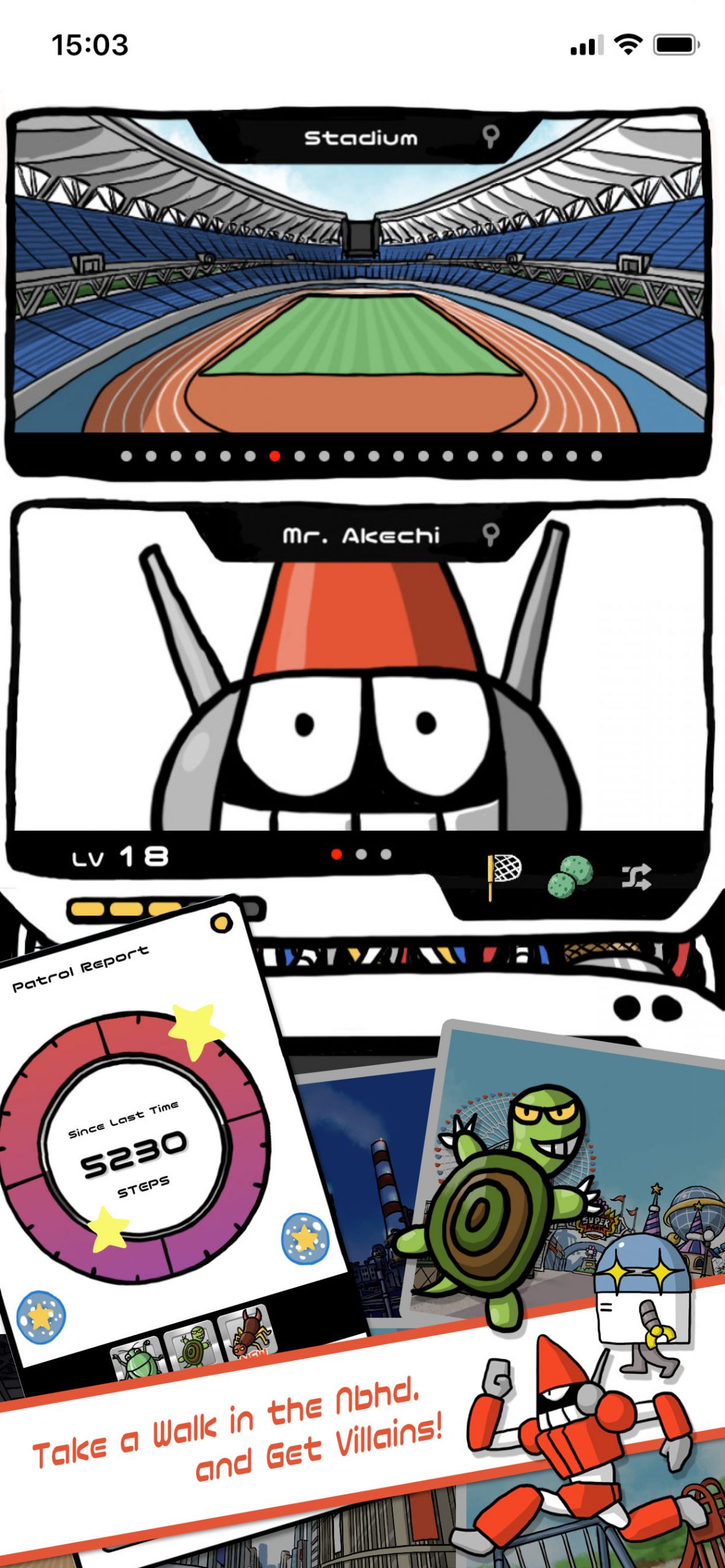



IMPRESSIONS
Voices of the media and everyone
FYTTE.jp
What a healthy game ...
5.0
★★★★★
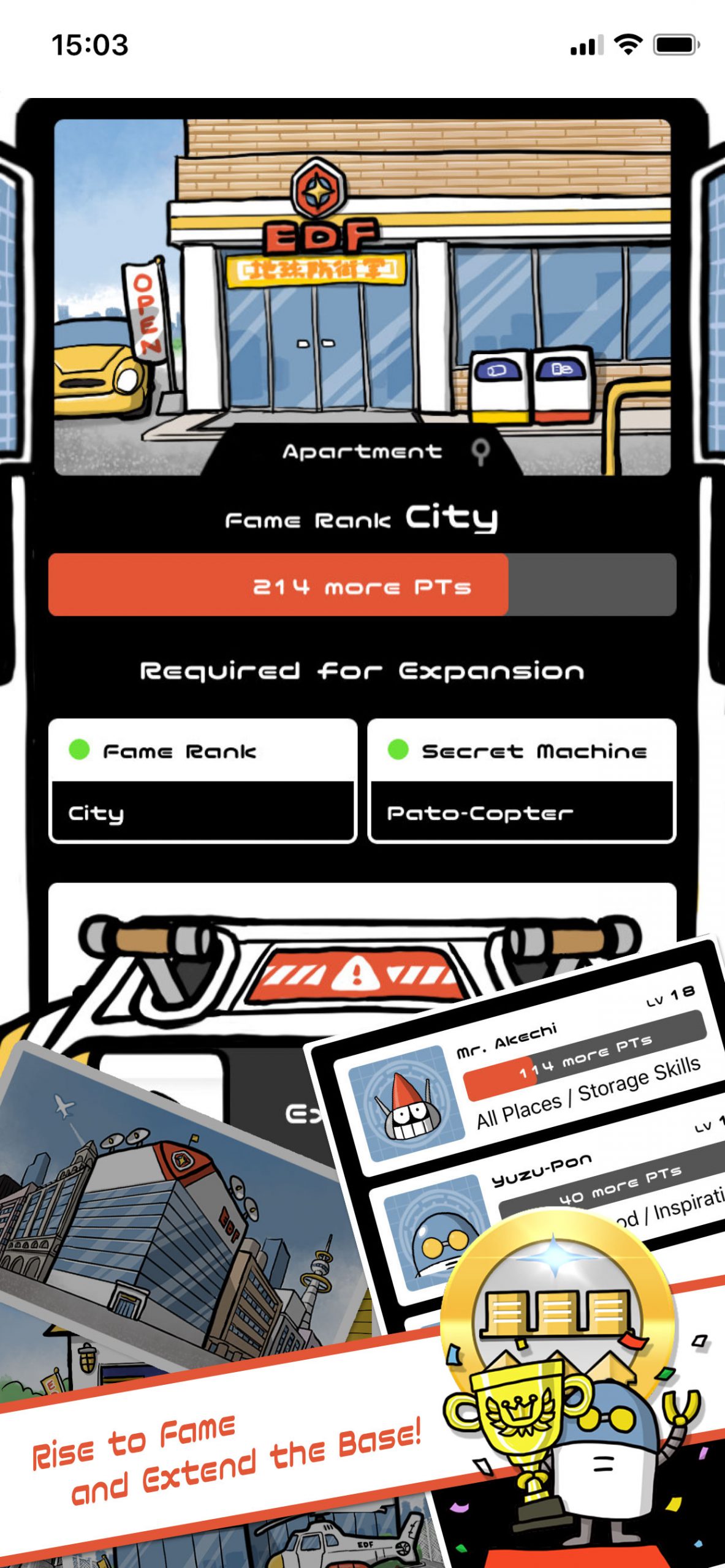
The app, which turns daily walking into a mission to protect the earth, is very popular with users. “There are a lot of elements involved, so I want to walk a lot.”
AppLibrary.com
Recommended as health goods
4.0
★★★★★
Many pedometers that only count the number of steps have been released, but this app is an application that can be linked to health management while having fun by fusing with game sense.
よふかし☆☆
It doesn't end in the first lap
5.0
★★★★★
Is it the sixth lap from the beginning? This is the only app that continues with similar apps. Maybe it should be simple to some extent. I want to give Yuzu-pon back to humans ...
aliiiiiii________
Great game
5.0
★★★★★
Ive as ended 10 times , still haven't found all animals (best item is unlockable after 5 ascensions ) cool game.
なんとはま!
Healthy!
5.0
★★★★★
It is reasonable to be reflected in the game by walking