
WHAT is THIS?
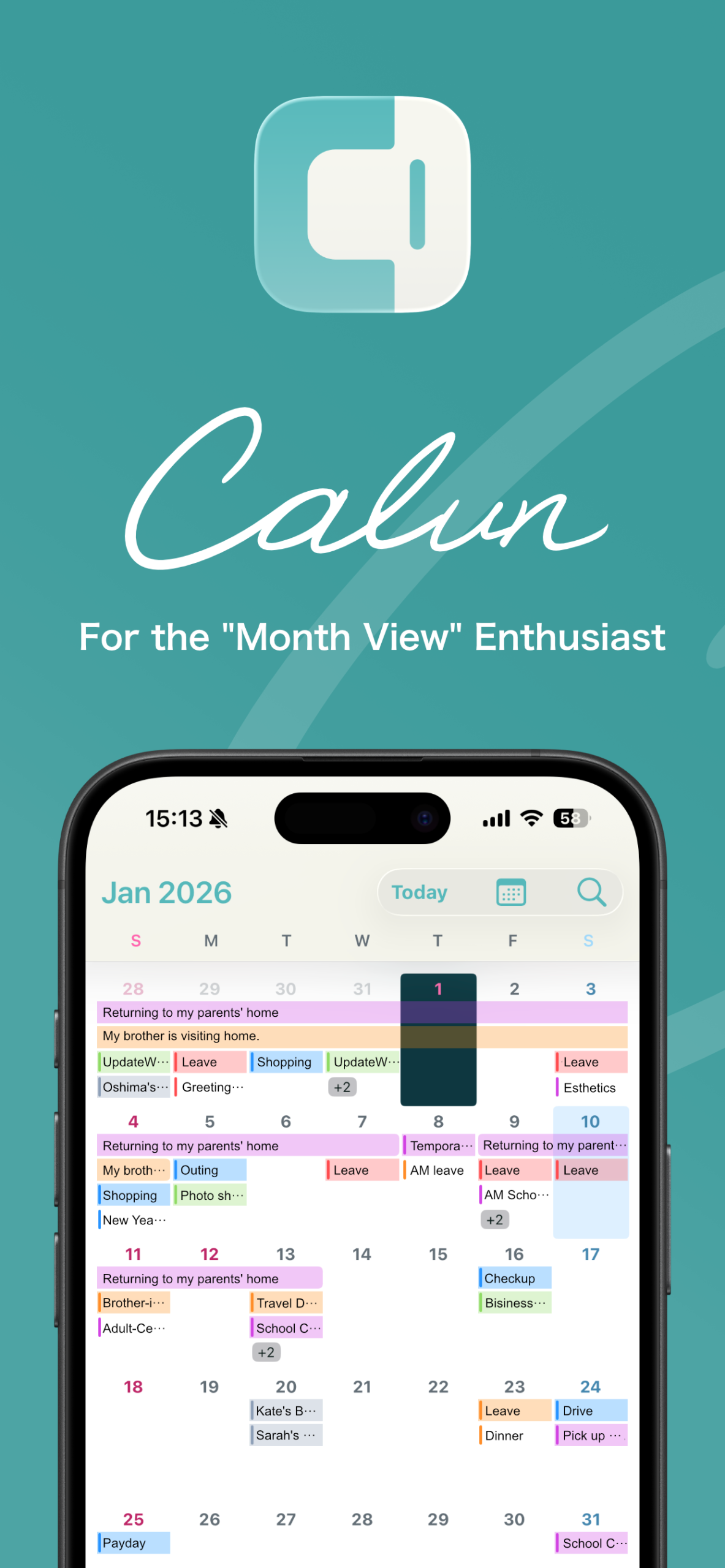
“Calun” is a minimalist, highly customizable calendar app specialized for monthly viewing.
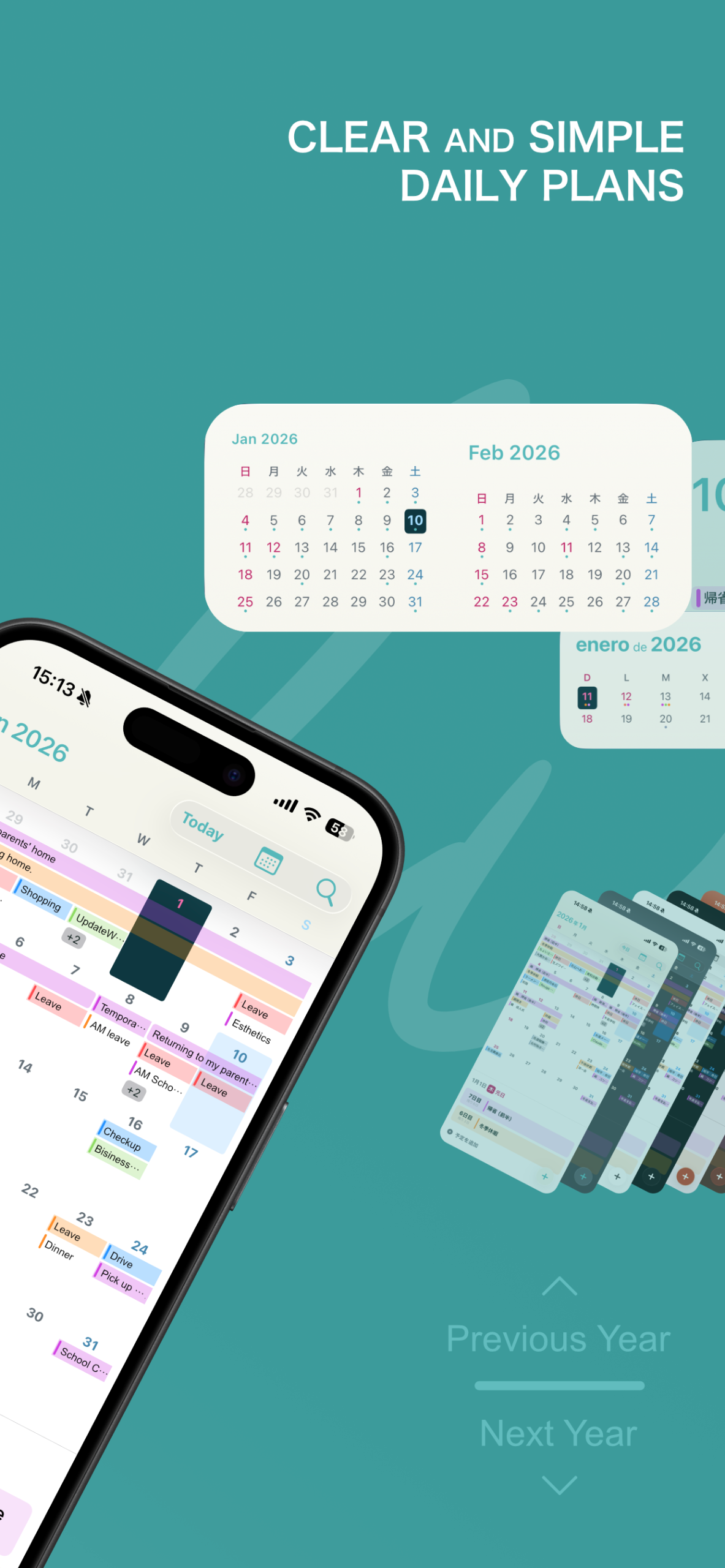
With the new Calendar Groups, you can organize overlapping work, personal, and hobby schedules and switch between them with a single tap. It syncs seamlessly with iOS standard calendars (iCloud, Google Calendar, etc.) to support your daily life intuitively. Swipe left/right to move between months, and swipe up/down to jump between “years” instantly—checking last year or next year is faster than ever.
- Some features require an upgrade to “Calun Plus”
Standard Features
- Organize Your Schedule in Calendar Groups
- Switch between calendars grouped by category—such as “Work,” “Personal,” “Family,” and “Fan Activities”—all at once.
- Intuitive Year-Navigation Swipe
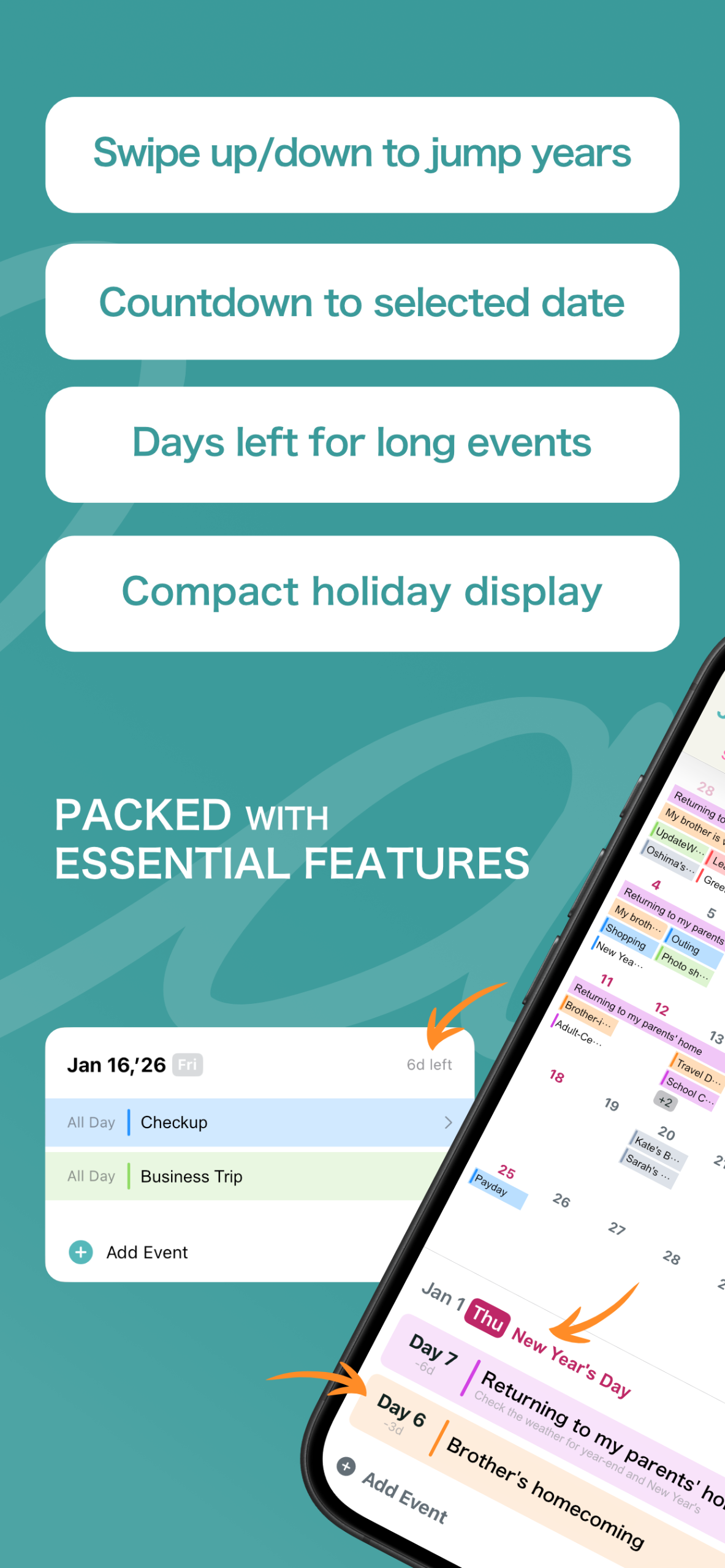
- In addition to monthly navigation, we’ve added high-speed year navigation via vertical swipes. You can look back at “this day last year” in an instant.
- Smart Controls to Keep You on Track
- Tap a date to see the event list below. Use a long-press for a popup that shows all events and a countdown for each, without the need to scroll.
- Powerful Event Search & Filters
- Find exactly what you’re looking for instantly with keyword search and filters for event types or specific calendars.
- Streamlined Holiday Display
- Keep your calendar clean by hiding holiday titles while still highlighting the dates in color. Holiday names appear only when the date is selected.
- Convenient Shortcuts
- Refined usability with shortcuts: tap the year/month to jump dates, or double-tap/long-press the settings menu for quick access.
Calun Plus Exclusive Features
- Ad-Free & All Themes Unlocked
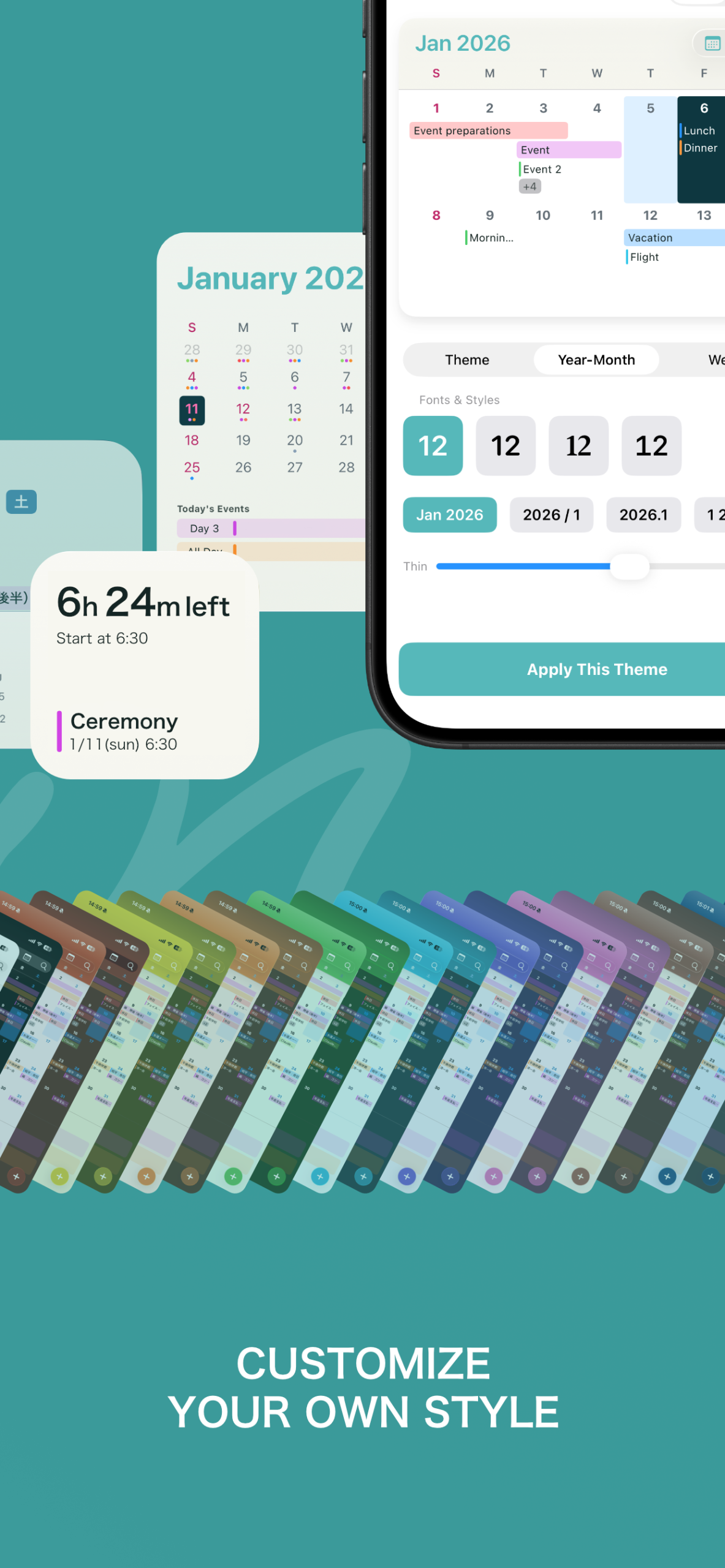
- Eliminate ads to maximize your viewing area. Get unlimited access to all 11 color themes and enjoy your ideal design even in Dark Mode.
- Versatile Premium Widgets
- Unlock Plus-exclusive widgets like Mini Calendar and 2-Month View. Manage your schedule right from your home screen without opening the app.
- Unlock More Calendar Groups
- Register up to 10 groups! Perfect for busy professionals and those with many hobbies.
- In-Depth Display Customization
- Customize everything from year/month font styles and weight to date text size and the maximum number of events displayed per day.
- Free Color Customization
- Change colors for specific days or holidays to match your lifestyle or work shifts. Create a calendar that is uniquely yours.
- App Icons & Independent Language Settings
- Choose custom icons to match your theme and set a specific language for the app (8 languages supported) independent of your OS settings.
FAQ
- Is this app free?
- Yes, all basic features are available for free. We offer ” Calun Plus” as an in-app purchase for premium themes, advanced widgets, and an ad-free experience.
- What is “Calun Plus”?
- It is a one-time purchase plan that grants permanent access to premium benefits. It removes ads, unlocks all 11 color themes, and provides exclusive widgets (Mini Calendar, 2-Month View, etc.). See “Calun Plus Exclusive Features” for details.
- How can I remove ads?
- By upgrading to “Calun Plus” from the settings screen, all banner and native ads within the app will be hidden.
- I cannot “Restore Purchase”
- If you have previously purchased Calun Plus and are prompted to buy it again after a device change, please try “Restore Purchase” in the settings screen. You must be signed in with the same Apple ID used for the original purchase. If the issue persists, please check your Apple ID payment restrictions.
- Events are not appearing
- Go to iPhone “Settings,” search for “Calun,” tap it, and ensure that “Full Access” is granted for “Calendars.” Also, tap the calendar icon in the top-right of the app and check that your desired calendars are selected.
- Event notifications are not showing
- Go to iPhone “Settings,” search for “Calun,” tap it, and ensure “Allow Notifications” is turned on. Also, verify the specific notification time set for each event.
- URLs in birthday events don’t open contacts
- Calun integrates with the standard iOS calendar, but “Contacts” access is required to view individual contact details. Search for “Calun” in iPhone “Settings” and ensure “Full Access” is granted for “Contacts.”
- I want to enlarge year/month titles and event lists
- Search for “Text Size” in iPhone “Settings” and adjust the slider. To change the text size inside the calendar grid, please refer to “I want to enlarge text inside the calendar grid.”
- I want to enlarge text inside the calendar grid
- Tap the button in the header, go to “Settings” > “Color Theme” > “Year/Month Style,” and adjust the “Font Size.” You can choose from minimum to maximum visibility. For other text, see “I want to enlarge year/month titles and event lists.” Note: This setting requires “Calun Plus.”
- How do I switch between Calendar Groups?
- You can also change it by long-pressing the button in the main navigation header, or by clicking an icon in the “Calendar Groups” list within the settings.
- Show holidays on the calendar / Hide holidays on the calendar
- Double-tap the button in the main navigation header to open detailed settings. You can then toggle the visibility by turning the “Do not display holiday events on the calendar” switch OFF or ON.
- How do I jump to a specific date?
- Tap the year/month display at the top of the screen or use the search function to jump quickly to a specific date or event.
- Is there a quick way to open settings?
- You can double-tap the button on the main navigation header to jump directly to detailed settings.
- Is there a quick way to change themes?
- Holding (long-pressing) the button on the main header will open the theme selection screen instantly.
- Theme changes are not reflecting in the widget
- There may be a lag in syncing theme changes to widgets. After changing a theme, close the app and wait a moment. If it doesn’t update, restarting the app may force a sync.
- Why are some widgets marked “Available in Calun Plus”?
- Advanced widgets like “Mini Calendar” and “2-Month View” are Plus-exclusive. To use these, you must purchase the “Calun Plus” upgrade.